
Invoices and receipts
Automatic capture of vendor, tax IDs, line items, taxable bases, due dates and VAT breakdown, ready for reconciliation.
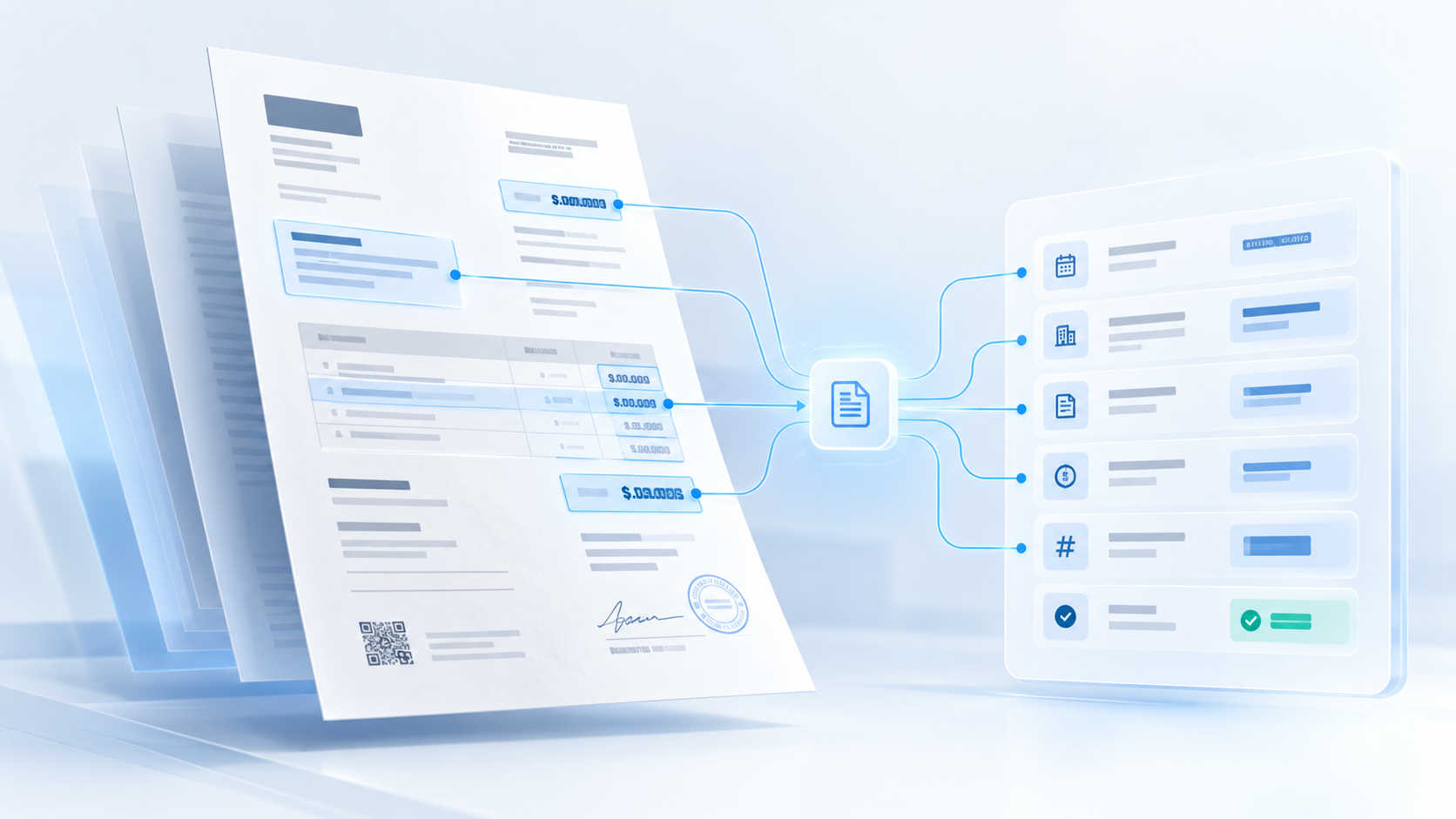
We use artificial intelligence to read, understand and connect data from invoices, delivery notes, contracts and files directly into your company’s core systems.
Fewer hours copying data by hand, fewer mistakes and complete traceability in every workflow.
Dozens or hundreds of files arrive every week: invoices by email, signed delivery notes, orders in PDF, contracts and paperwork. Right now, someone has to open each file, locate the necessary fields, copy them into the ERP or spreadsheet, and make sure there are no typos. It is mechanical work that drains time from higher-value tasks and easily causes mistakes.
Artificial intelligence extracts and organises this information in seconds so your team only needs to review when necessary.
We tailor the extraction to each document type and the exact information your workflow needs.
Automatic capture of vendor, tax IDs, line items, taxable bases, due dates and VAT breakdown, ready for reconciliation.
Identification of product references, quantities delivered, pricing and direct cross-referencing with purchase orders.
Spotting renewal dates, key clauses, signing parties and agreed commercial conditions in seconds.
Automatic intake and classification of customer paperwork, handwritten or digital forms and mandatory field checks.
A transparent workflow where every data point keeps its source, and human oversight is always in place.
Documents arrive via email, web forms, shared folders or direct uploads from your daily operations.
AI understands the document structure—even in complex PDFs, scans or smartphone photos—and pinpoints the critical data.
We verify that totals calculate correctly, that the supplier exists in your database and that mandatory fields are present.
Validated data moves straight into your ERP, CRM or database. If anything looks uncertain, an alert is sent to a team member.
Technology should bring peace of mind and rigor, never uncertainty.
If a file is blurry, incomplete or contradictory, the system never guesses: it flags the item clearly for human review.
Your business data is never shared with third parties or used to train public models. Processed in secure environments compliant with European GDPR.
Every field links directly back to the original document snippet, showing what was extracted, when, and with what confidence level.
We connect directly to your existing software (Holded, SAP, Navision, Sage, A3, CRM or databases) without forcing unnecessary shifts.
Yes. Modern models combine visual document understanding and language processing to read digital PDFs, scans and smartphone photos, provided they are legible.
You decide the level of control. We can configure one-click manual approvals or enable automatic booking for exact-match documents.
The system highlights the exact doubtful field and routes the file to a person, preventing corrupt data or accounting discrepancies.
No. Our goal is to connect to your existing software and folders so information flows smoothly without costly migrations.
We can start with one specific document type (such as supplier invoices or delivery notes) and test how the solution performs on real samples, with complete clarity and no commitments.