
Information intake and organisation
Capture data from forms, email, documents or systems and bring it to the right place.
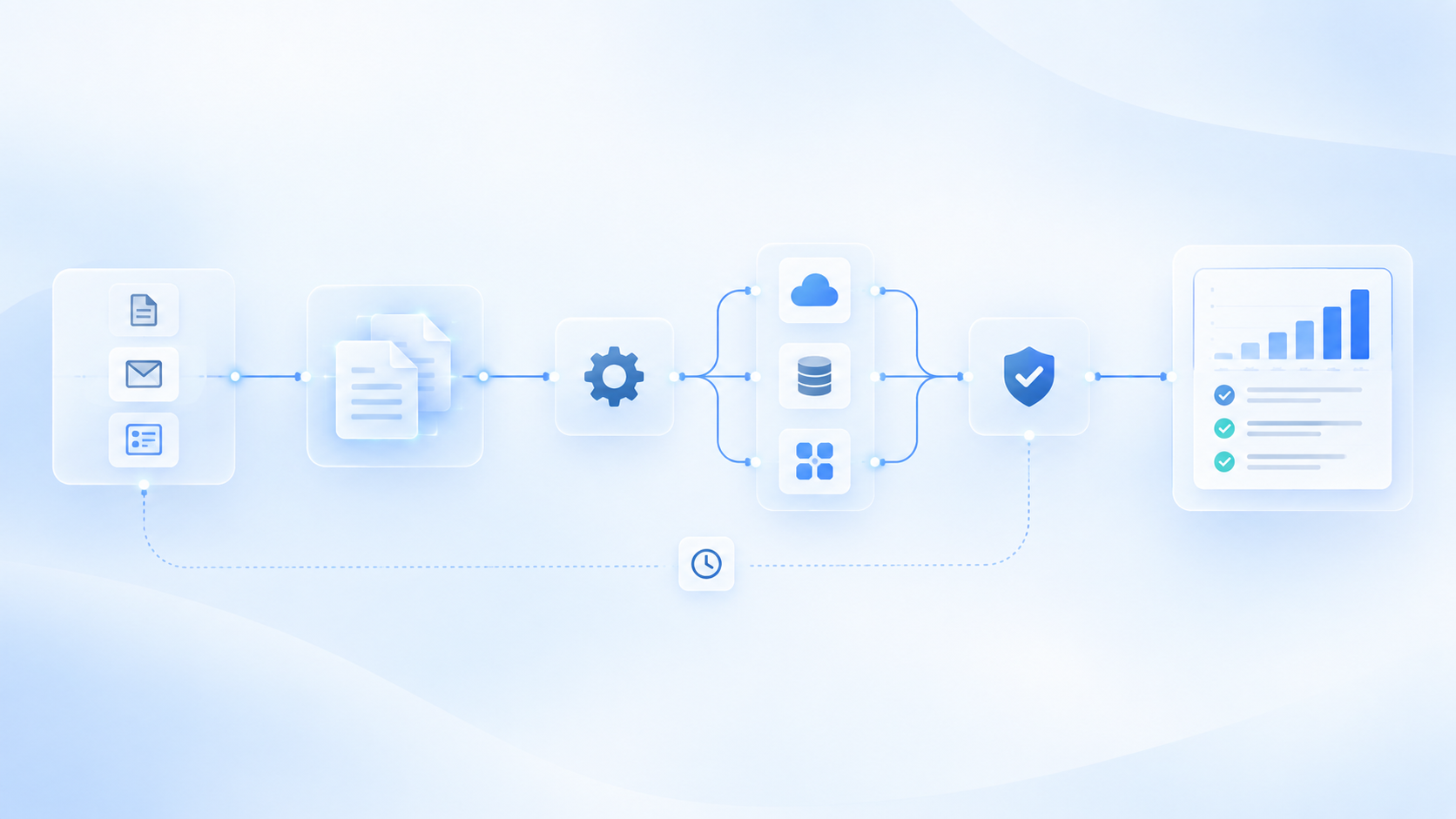
Process automation
We connect tasks, data and tools to turn repetitive journeys into systems that can continue automatically when the right conditions are met.
From a single task to processes that move across teams and platforms.
Automation is more than saving clicks
Manual tasks often look small on their own: copying an address, creating a record, sending an email, changing a status, notifying someone or finding a document. When they happen hundreds of times inside the same process, they consume time and create points where information can get stuck. Automation connects those steps so work moves forward when it should.
Something happens within the business.
The system identifies what it means and which conditions are met.
It executes the defined tasks.
The outcome triggers the next step in the process.
Exceptions or sensitive decisions reach the right person.
Good automation does not do more things. It makes necessary things happen at the right time.
Less work around the work
Capture data from forms, email, documents or systems and bring it to the right place.
Create records, change statuses, complete fields or keep information in sync.
Determine which route a request, document, opportunity or incident should follow.
Alert when something relevant happens, schedule reminders or trigger the next contact.
Create drafts, prepare documents, generate tasks or request missing information.
Stop a process when validation is needed before continuing.
Make an action in one tool automatically trigger another in a different system.
Use artificial intelligence when the process needs to interpret text, documents, context or unstructured information.
Real work
The form creates or updates the contact, records the opportunity, assigns an owner and starts the next follow-up.
The system records receipt, extracts or transfers relevant information and triggers the relevant review flow.
The status change triggers communications, internal tasks or updates in other tools.
The process gathers the required information, requests validation and continues automatically when it receives a response.
The system detects what is missing, requests the required data and resumes the journey when it is available.
Statuses are updated, tasks are created and the next team automatically receives the context it needs.
One process
People only intervene when the process needs judgement, conversation or a decision that should not be automated.
The right technology
If a rule can solve a task correctly, we use a rule. If a process needs to interpret an email, a document or a free-text request, AI can help. If a decision requires human judgement, we keep a person in the loop. And if a tool already resolves part of the process well, we integrate it instead of replacing it.
When conditions are clear. Example: if an opportunity changes to “won”, create a project and notify the team.
When information first needs to be interpreted. Example: read a free-text request, understand what the customer needs and decide the route.
When it also needs to use tools and coordinate several steps, such as checking CRM information and requesting approval.
The aim is not to build the most complex automation. It is to remove complexity from work.
Where work already happens
Customers, opportunities, tasks and follow-up.
Operations, orders, invoicing, stock and other internal processes.
Inputs, notifications, classification and communications.
Acquisition, requests and user actions.
Files, contracts, invoices, procedures and other information.
Querying, creating and updating information.
Specific processes that live inside internal systems.
Connections between tools when a suitable technical route exists.
Automation with control
We clearly define which event or condition starts the process.
We limit the data and systems required for each journey.
Each automation works within a pre-designed set of actions.
Sensitive points can remain stopped until validation is received.
When something does not match expected conditions, the flow routes the situation.
Relevant actions can remain traceable in the systems involved.
From the current process to the new flow
We identify people, tasks, tools, information and dependencies.
Before automating, we identify steps that can be removed or reconsidered.
We define triggers, conditions, actions, approvals and exceptions.
We connect the required tools so information can move.
We validate how it works with real situations and exceptional scenarios.
We observe the flow’s usefulness before expanding it.
Before automating
If ownership is unclear, information has multiple sources of truth or exceptions are handled differently every time, we first need to clarify the process. We automate processes that are clear enough for technology to improve them.
We automate processes that are clear enough for technology to improve them.
Process automation
You do not need to automate an entire department. We can start with one repetitive task, connect the tools it needs and observe what changes before expanding the journey.
Identify a first automation ↗Process automation
It is the design of workflows where specific tasks, information transfers and actions can run automatically when defined conditions are met.
Good candidates are usually repetitive processes with relatively clear steps, frequent movement of information between tools, recurring tasks or constant follow-up.
No. Many automations work well with traditional rules and integrations. AI is useful when the process needs to interpret natural language, documents or other unstructured information.
Yes, when systems provide the required technical integration options and permissions.
Not necessarily. Approval points, exceptions and decisions can be designed so people remain part of the workflow where needed.
We usually start with frequent, repetitive tasks that follow relatively stable steps and have a clearly identifiable outcome or next action.
Not necessarily. One objective is to connect and improve existing systems before proposing changes that do not add value.
The flow can stop, request additional information, log the case or route it to a person according to the design.
Yes. Agents can be added when the process needs to interpret context, consult multiple sources or coordinate actions beyond fully predetermined rules.
Process automation
We review how it works today, where time is lost and which parts can move forward automatically without losing control. You can start with a single task.